Google Tag Manager Sends Almost Nothing Itself, but It Decides What Everything Else Sends
Google Tag Manager is a loader. The site puts one snippet on every page, the snippet fetches a container from www.googletagmanager.com/gtm.js?id=GTM-..., and the container loads every other tag the marketing team has set up in Tag Manager’s web interface. The request PXTA sees from Tag Manager itself carries little more than the container ID.
So why list it at all? Because when a report shows a Meta Pixel or a TikTok tag firing at the wrong moment, the fix very often lives inside a Tag Manager container.
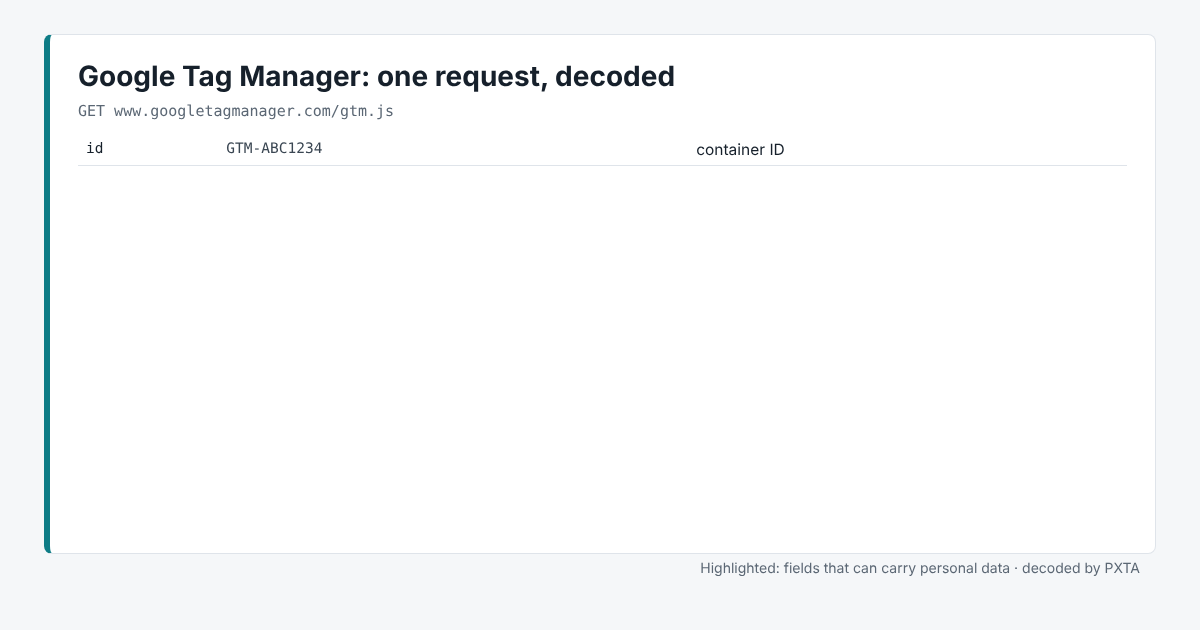
What the Report Shows
PXTA lists Google Tag Manager in the trackers table as present, with the pages and passes where its container loaded. It doesn’t raise findings about Tag Manager on its own. The findings belong to the tags it loaded, each under its own name.
If a container loads before the banner is answered, that’s normal: the container is often what loads the banner too. What matters is what the container then fires. The consent behaviour table answers that, tracker by tracker.
Where It Usually Goes Wrong
Triggers that ignore consent. A tag in Tag Manager fires on a trigger, such as “All Pages”. Unless the trigger also checks the consent state, or the tag uses Tag Manager’s consent settings, it fires as soon as the page loads.
Tags added for a campaign and forgotten. Containers collect tags. A pixel added for a campaign two years ago keeps running until someone deletes it. PXTA’s tracker table is a quick inventory of what still fires.
Late tags. Tag Manager can fire a tag after a timer, on scroll, or when an element appears. PXTA waits for the page to go quiet, scrolls to the bottom and fills email fields, so most of these show up. A tag that fires only on a click PXTA didn’t make won’t.
Server-Side Tag Manager
A server-side Tag Manager container runs on the site’s own server, often under its own domain. The browser sends one request there and the server forwards data to Google, Meta and others. PXTA sees the request to the site’s own domain, but version 0.1 doesn’t treat it as a tracker, and it can’t see where the data goes next. The report’s Method section says so.