Checking Tracking Before a Campaign Goes Live, a Ten-Minute Routine for Marketers
New campaigns bring new tags. A landing page gets a conversion pixel, the thank-you page gets another, and someone adds the new ad network’s base code to the template “just to be safe”. The campaign launches on Monday and nobody looks at what the tags send until something goes wrong.
Ten minutes with PXTA before launch catches the common mistakes while they’re still cheap.
The Two Pages That Matter
Most campaign problems sit on two pages, the landing page and the conversion page. Audit each one on its own:
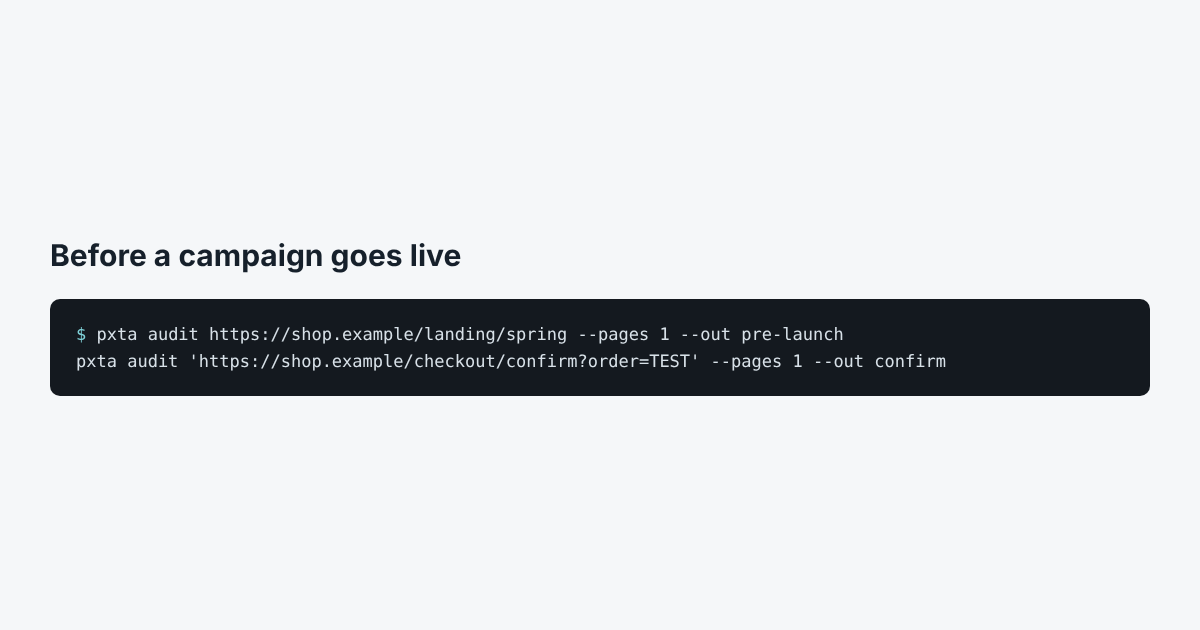
pxta audit https://shop.example/landing/spring --pages 1 --out pre-launch
pxta audit 'https://shop.example/checkout/confirm?order=TEST' --pages 1 --out confirm
Use the real address format of the conversion page, with a test order. If the real one carries an email or a name in its address, use a test address and pass it to PXTA so it can look for its hash too: --email test@yourshop.example.
What to Look For
- The new tag in the “before an answer” column. If it sends data before the banner is answered, it wasn’t connected to the banner. Fix it in the tag manager before launch.
- Personal data on the conversion page. Emails in the address, hashed emails from automatic matching, order details in event fields. Decide which of these the ad network should get, and with which consent.
- The page address of the landing page. Campaign links carry tracking parameters, and some carry the recipient’s email from the newsletter tool. PXTA flags an email anywhere in the address.
Run It Again After Launch
Tag managers change under live campaigns. A second run a week in, with the same commands, shows whether anything moved. The Harbor & Pine sample report shows what a conversion page leak looks like when nobody checks.