Checking a Staging Build for Tracking Problems Before It Reaches Production
Developers rarely add tracking pixels. They add the things that make pixels leak: a confirmation page that puts the email in the URL, a new search page, a redesigned form, a template change that moves the tag snippet above the banner script. The tags were fine yesterday and the page around them changed.
Running PXTA against a staging build before release catches those changes while the branch is still open.
The Check
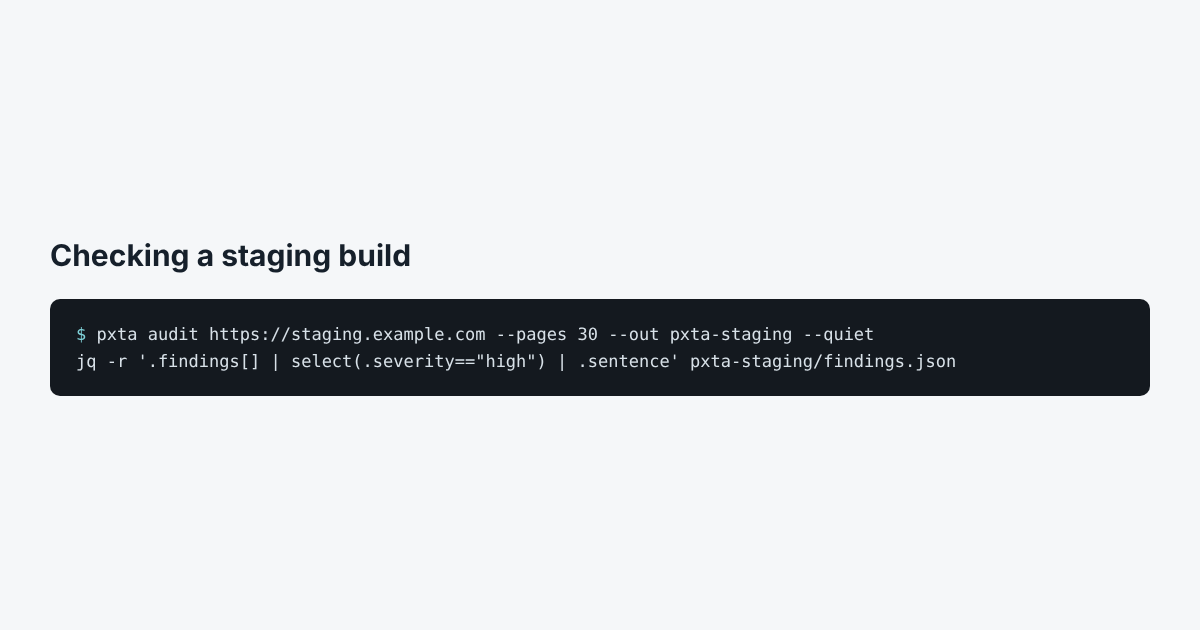
pxta audit https://staging.example.com --pages 30 --out pxta-staging --quiet
jq -r '.findings[] | select(.severity=="high") | .sentence' pxta-staging/findings.json
--quiet prints only the summary. The jq line lists the high findings as sentences, ready to paste into a ticket. The finding codes are a stable interface, so a script can count personal-data or search-term findings and fail a pipeline when the count goes up.
pxta audit exits with 0 whenever the audit finished, whatever it found. Exit code 2 means the audit itself failed. A built-in check that fails on findings isn’t in version 0.1, so for now the script decides.
Staging Quirks
- Banners on staging. Some consent platforms only run on the production domain. If PXTA reports no banner on staging, the passes it ran still show what the tags do with no answer, but the reject and accept columns will be missing.
- Robots.txt. Staging sites often disallow everything. On your own staging site,
--ignore-robotsis fine. - Basic auth. PXTA doesn’t sign in. Allow its address through, or run it from inside the network.
What It Catches Best
Pages that changed shape: new query parameters with emails or search terms, new form fields that automatic matching picks up, new pages about health or money. The search terms explainer shows the most common one.