A Tracking Audit for Agency Handovers, Before You Take Over a Client's Tags
When an agency takes over a client’s site, it inherits every tag the last three agencies installed. Nobody hands over a list, because nobody has one. The first time anyone finds out about the old TikTok pixel is when it shows up in a complaint.
A PXTA audit on day one gives the new agency that list, with dates, and a record of the state it inherited.
On Day One
Run a wide audit of the live site before touching anything:
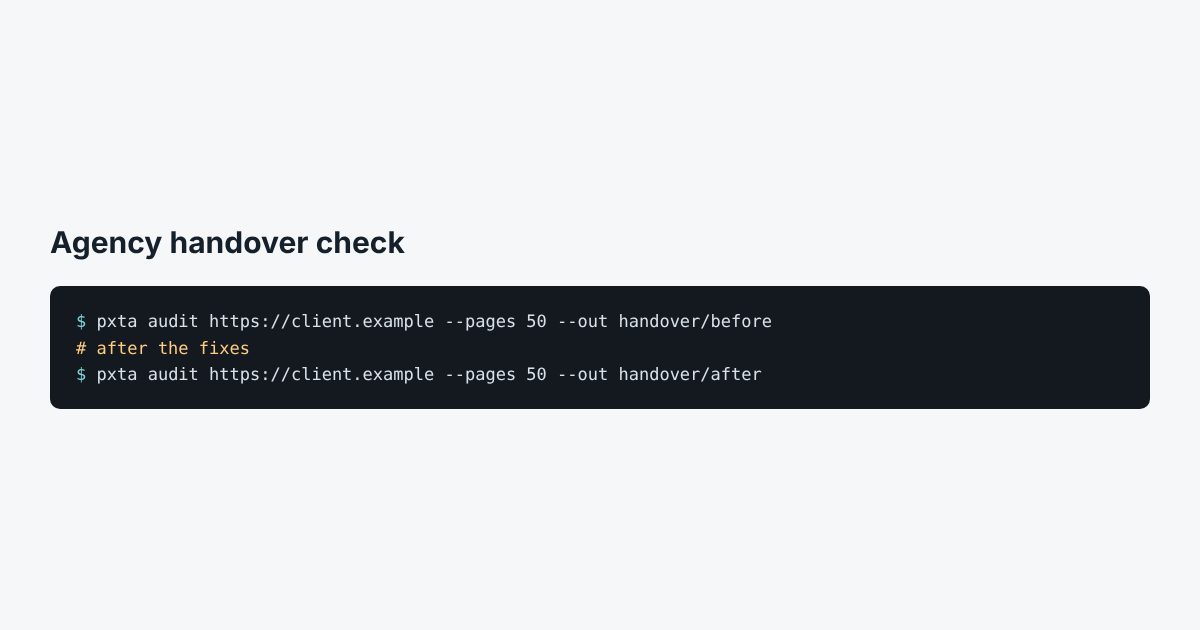
pxta audit https://client.example --pages 50 --out handover/before
The trackers table in report.html is the inventory: every tag that sent data, on which pages, in which pass. The consent behaviour table shows which ones ignore the banner. The findings are the problems that need fixing, already in plain sentences you can paste into the kickoff document.
Keep the whole folder. requests.har and its checksum in the report are your proof of what the site did before your team changed anything, which matters if a problem surfaces later and someone asks when it started.
What to Raise With the Client
Sort the findings by what they cost the client:
- High findings are personal data, sensitive pages or search terms going to ad networks without consent. Fix these first.
- Medium findings are tags firing before an answer or after a reject, with no personal data. They’re still the banner not doing its job.
- Info findings are the inventory. Ask the client which of those tags anyone still uses.
After the Fixes
Run the same command into a second folder:
pxta audit https://client.example --pages 50 --out handover/after
Put the two reports side by side. The before and after consent behaviour tables are usually the clearest slide in the handover deck. The banner migration post goes through the same comparison for a banner switch.